


ThirdReality
USB Motion Sensor
Regular price
$14.99
Unit price
per
Shipping calculated at checkout.
Couldn't load pickup availability
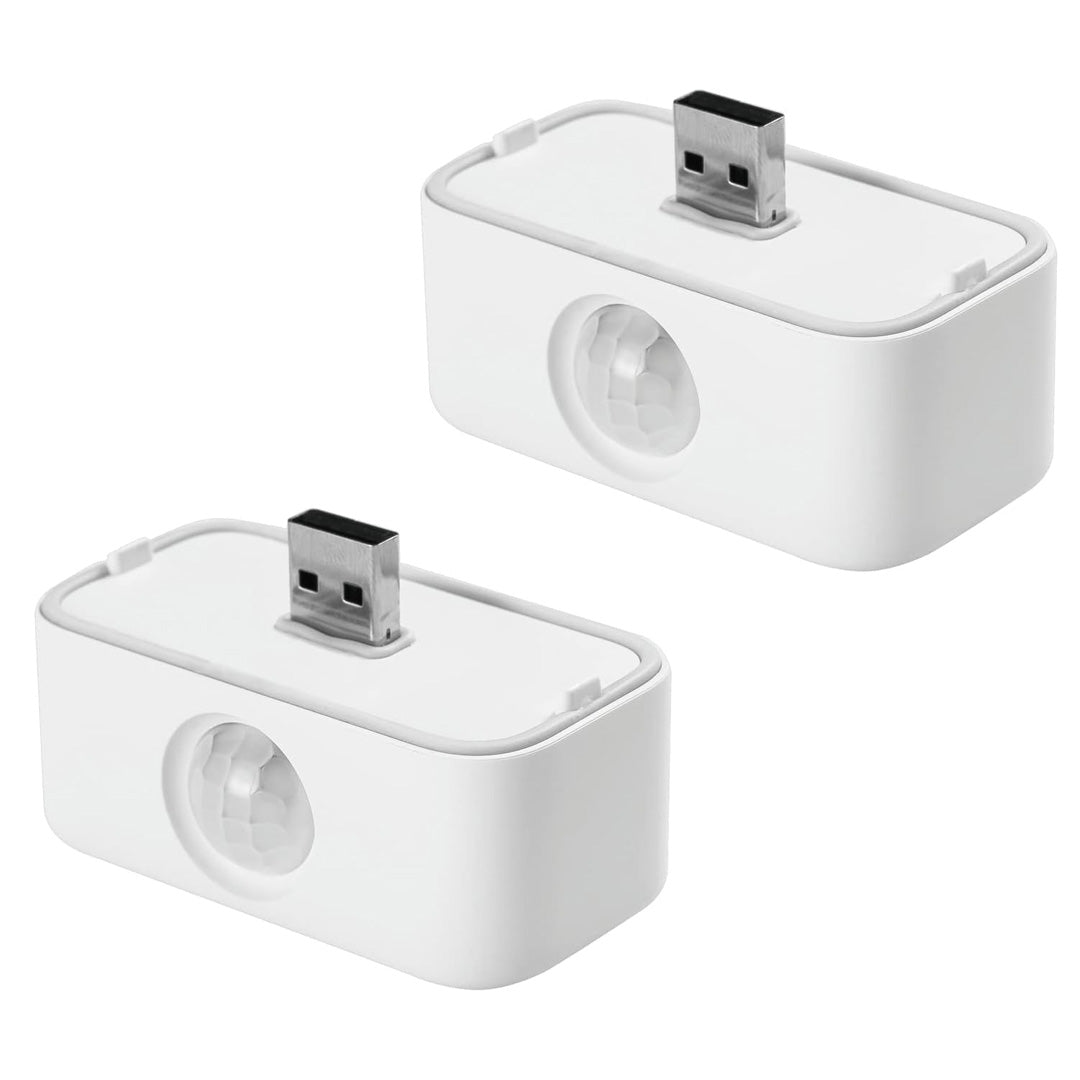
THIRDREALITY USB Motion Sensor 2 Pack for Echo Flex, Setup, Create Routines, Adjustable Sensitivity, No Battery Required
- Create Routines: Using the Alexa app, create your own routines that are triggered when motion is detected. Customize Alexa messages like “Welcome Home” or “Motion Detected in Living Room” when motion is detected.
- Smart Light Control: If you have a smart light or smart plug connected to the Alexa service, you can create a routine in the Alexa app that will enable it to automatically turn on when motion is detected (and off when no motion is detected for a period of time that you specify).
- Hassle-Free Setup: Installs in seconds. Just plug it into Echo Flex’s USB port and Alexa automatically discovers it.
- Adjustable Sensitivity: You can set the detection sensitivity according to the requirements of different scenarios. Adjust the Motion Sensor’s sensitivity by unplugging and plugging it back in 4 times.
- No Batteries Needed: Powered directly by Echo Flex, never need to worry about changing batteries.


Product details


Product setup and resources
USB setup requirements
USB Motion Sensor uses USB for power or connection. Review the product description and manual for placement, power, and setup requirements.