


ThirdReality
Smart Plug M3
In stock: 31 available
Available on backorder
This item is temporarily out of stock but available to order. It will ship once stock becomes available.
Please note: If your order includes this item, your entire order will ship together once all items are available. Items will not be shipped separately.
Quantity exceeds available stock
The quantity selected exceeds our current stock. You can still order this quantity, but your order will ship once sufficient stock becomes available.
Please note: If your order includes this item, your entire order will ship together once all items are available. Items will not be shipped separately.
Please reduce the quantity to [quantity] or choose another option.
Couldn't load pickup availability
THIRDREALITY Smart Plug M3 via WiFi Matter, 15A Smart Outlet, ETL Certified, Work with SmartThings, Apple Home,Alexa, Google, Homey, Home Assistant, No power meter,2.4G Wi-Fi Only


Product details
THIRDREALITY Smart Plug M3 via WiFi Matter, 15A Smart Outlet, ETL Certified, Work with SmartThings, Apple Home, Alexa, Google, Homey, Home Assistant, No power meter,2.4G Wi-Fi Only
- Seamless Cross-Platform Integration: As a Matter-certified device, the Smart Plug M3 works seamlessly with SmartThings, Apple Home, Amazon Alexa, Google Home, Home Assistant and Homey—no proprietary hub or bridge required. Enjoy true cross-platform control without ecosystem barriers.
- Effortless Setup & Compact Design: Enjoy effortless setup—just scan the QR code to pair via Matter over Wi-Fi, no hub required. While the compact, safety-certified design ensures a perfect fit in tight spaces without blocking adjacent outlets. Backed by ETL certification and a 1-year warranty for worry-free use.
- Always-Reliable Local Control: Powered by Matter over Wi-Fi, commands execute instantly through your local network—even without internet. Works directly with your existing HomePod, Apple TV and Home Assistant. Note: This function only support by Home Assistant and Apple Home.
- OTA Upgrades: Harness the power of the 3R-Installer App—no additional hub necessary. Keep your plug on the technological forefront with seamless software upgrades.
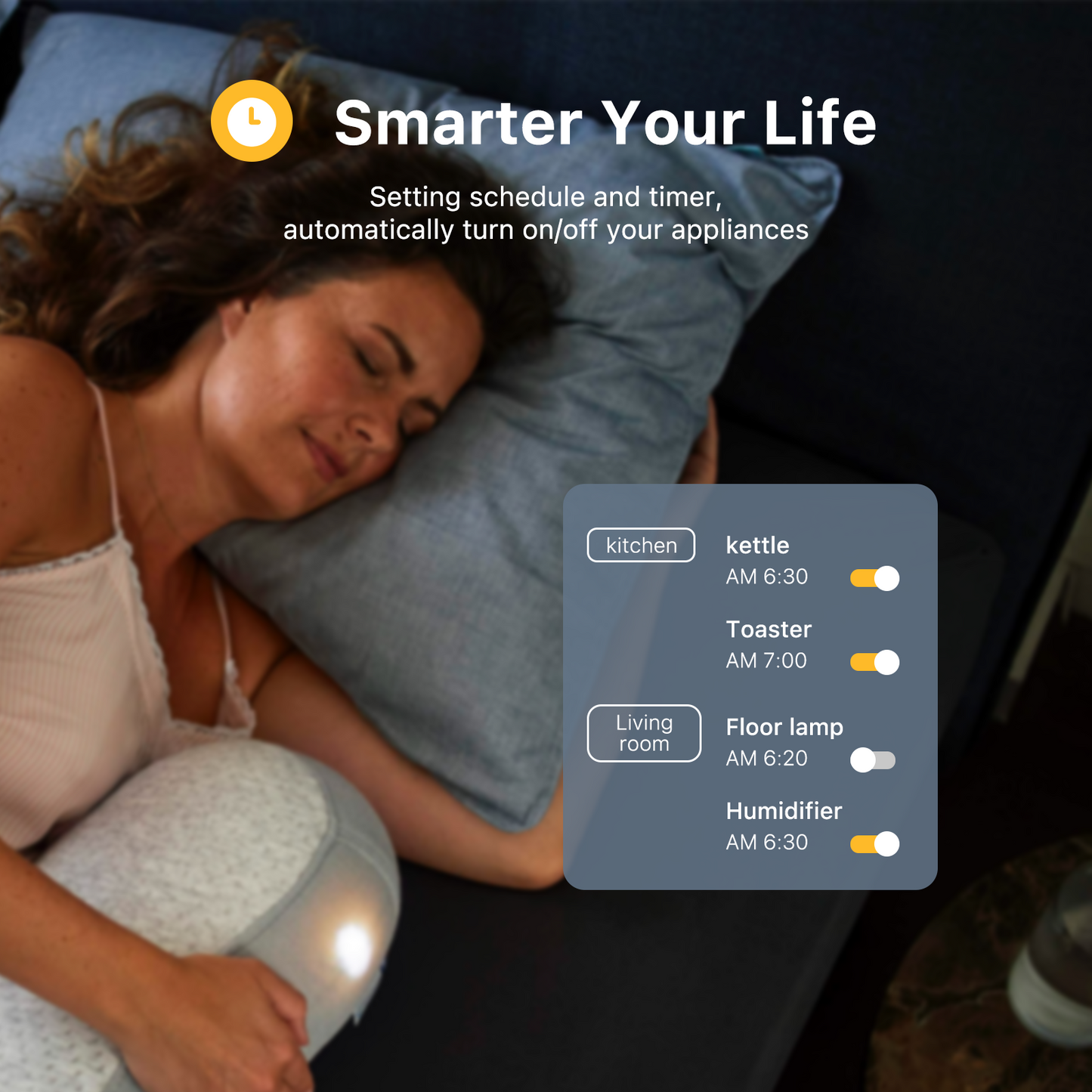
- Command from Anywhere, Voice-Activated: Easily control your home appliances anytime, anywhere, no limited of time and distance. When Smart Outlets connect with Apple Home, Google Home and Amazon Alexa, you can free your hands, just delivering voice commands to turn on/off your plugs.
- Safety Setting: In order to ensure your home safety, we also realize the function of restoring status that means users can customize on/off state after powered on again. Currently 3R-Installer App and Home Assistant support this function.


Product setup and resources
Matter over Wi-Fi compatibility
Smart Plug M3 uses Matter over Wi-Fi. It requires a 2.4 GHz Wi-Fi network and a compatible Matter controller for ecosystem pairing.
No Zigbee hub is required for this product.
Product resources
Review product-specific setup information for this device.