


ThirdReality
Smart Button ZB2
In stock: 13 available
Available on backorder
This item is temporarily out of stock but available to order. It will ship once stock becomes available.
Please note: If your order includes this item, your entire order will ship together once all items are available. Items will not be shipped separately.
Quantity exceeds available stock
The quantity selected exceeds our current stock. You can still order this quantity, but your order will ship once sufficient stock becomes available.
Please note: If your order includes this item, your entire order will ship together once all items are available. Items will not be shipped separately.
Please reduce the quantity to [quantity] or choose another option.
Couldn't load pickup availability
THIRDREALITY ZigBee Smart Button ZB2 , 3-Way Remote Control, Requires Zigbee Hub, Works with SmartThings, Aeotec, Hubitat, Home Assistant, Third Reality Hubs, Batteries Included.
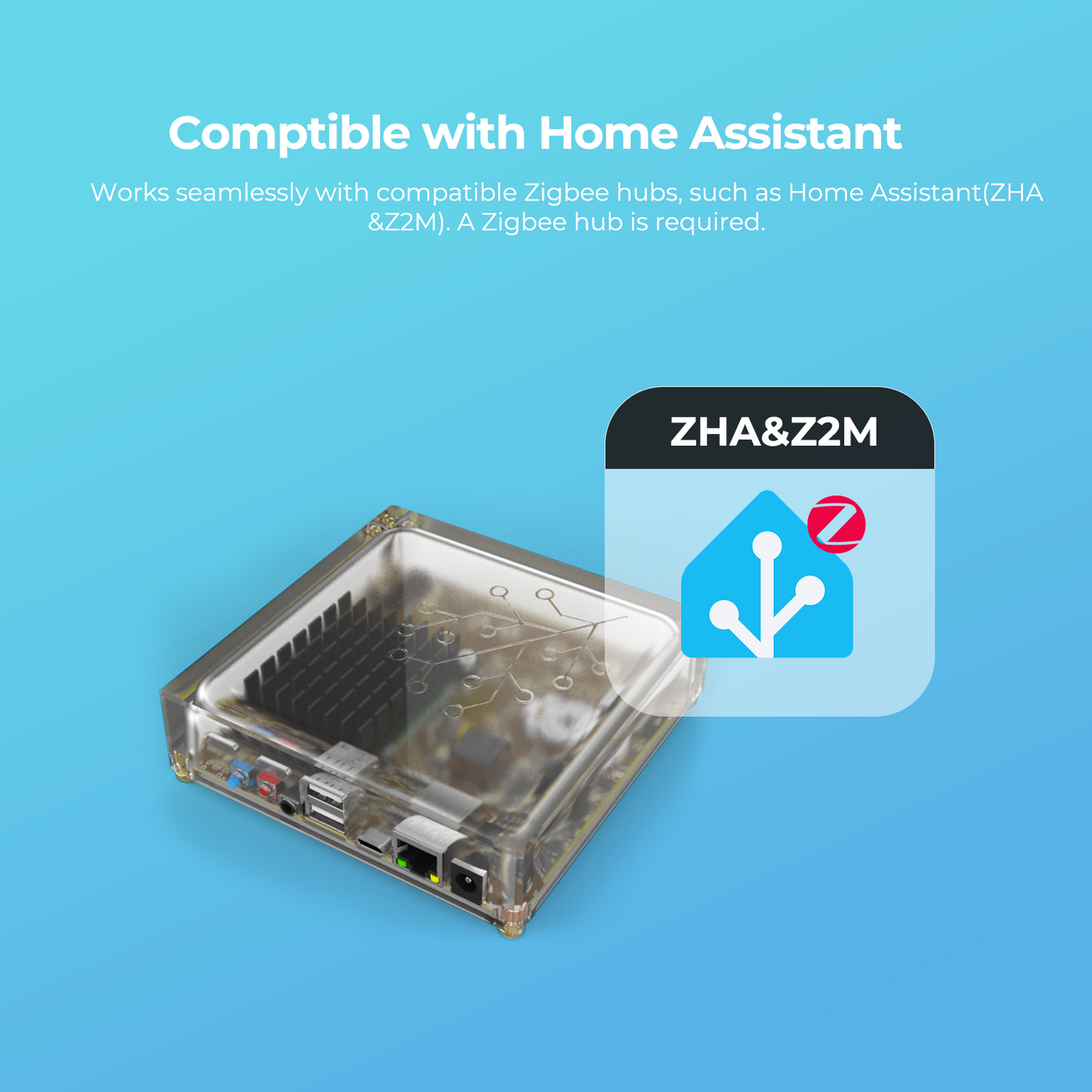
- Zigbee 3.0 Standard: Works seamlessly with Home Assistant(ZHA &Z2M). A Zigbee hub is required.
- Place Anywhere: No wiring needed, place it everywhere you want. The intuitive button design makes it simple for every family member to control smart devices.
- Three Buttons, More Actions: Each of the three buttons supports three actions — single press, double press, and hold, giving you up to nine programmable routines to control lights, devices, and scenes instantly.
- Home Automation: Easily configure scenes like "Leave Home," "Movie Mode," and "Good Night" to automate multiple devices across your home with just one press, making daily routines simpler and smarter.
- Built-in Rechargeable Lithium Battery: Equipped with a rechargeable battery that supports repeated use, eliminating the need for frequent battery replacements and offering both economy and sustainability.


Product details
THIRDREALITY ZigBee Smart Button ZB2 is an upgraded smart controller featuring three independent buttons, each capable of three distinct actions—press, double press, and hold—for a total of up to 9 customizable smart routines. Powered by a long-lasting rechargeable lithium battery, this wireless device seamlessly integrates with leading smart home platforms including SmartThings, Home Assistant, Aeotec, and other ZigBee 3.0 compatible systems. Easy to place anywhere in your home, it offers intuitive one-touch control over your favorite scenes—whether you're starting "Morning Mode," setting up "Movie Night," or activating "Bedtime."
Product setup and resources
Zigbee compatibility
Smart Button ZB2 is a Zigbee product and requires a compatible Zigbee hub or coordinator before it can be added to an ecosystem.
Use the product manual and firmware history below to confirm setup steps and current platform notes for this SKU.
Product resources
Review product-specific setup information and firmware update history for this device.