
Remote Plus Help
How to pair Remote Plus and update firmware?
1). 1), Download “Third Reality” app
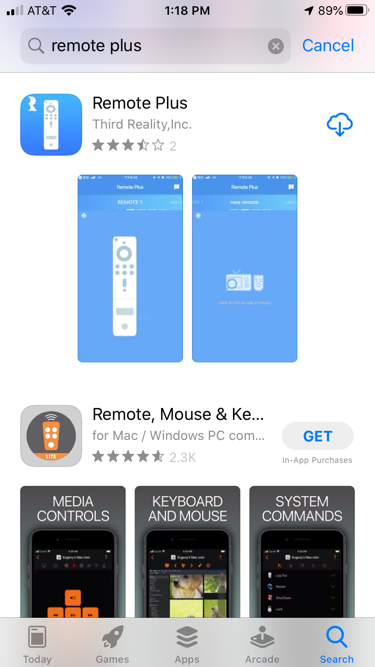
2), Tap “+” in the app to pair and add device
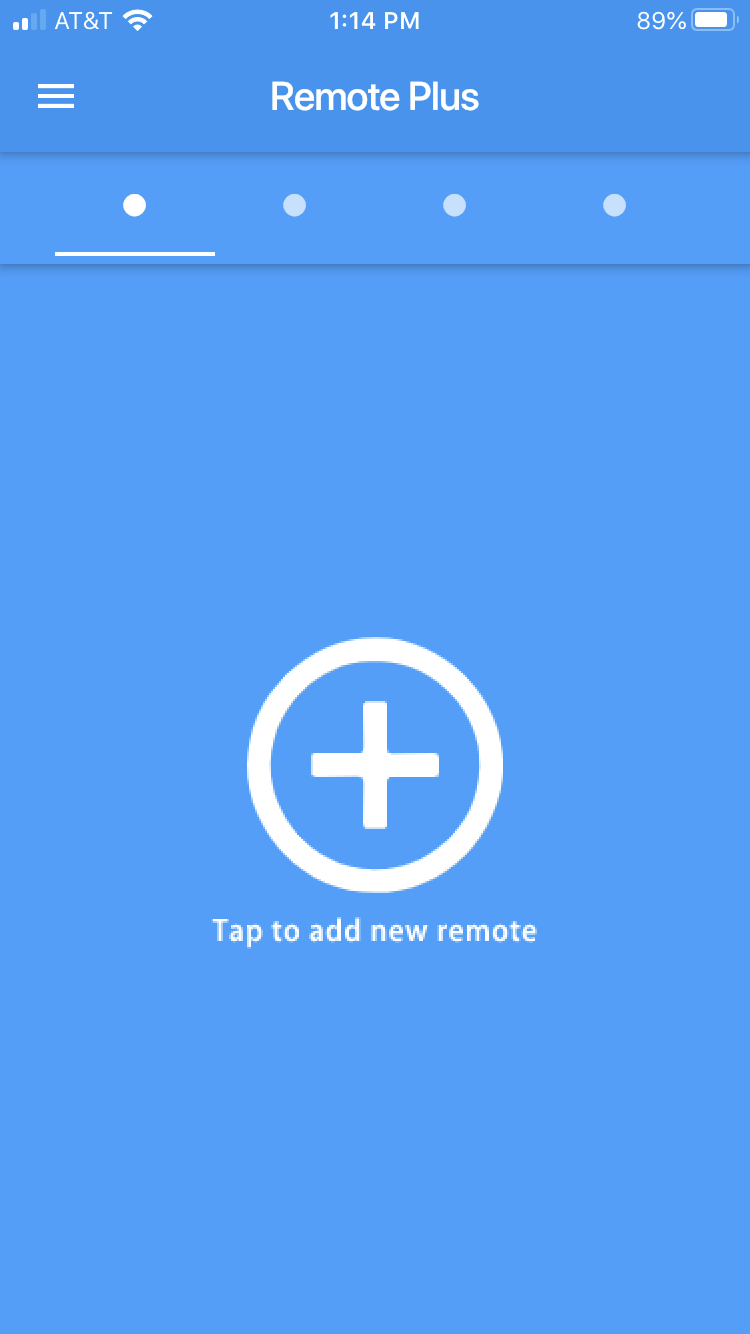
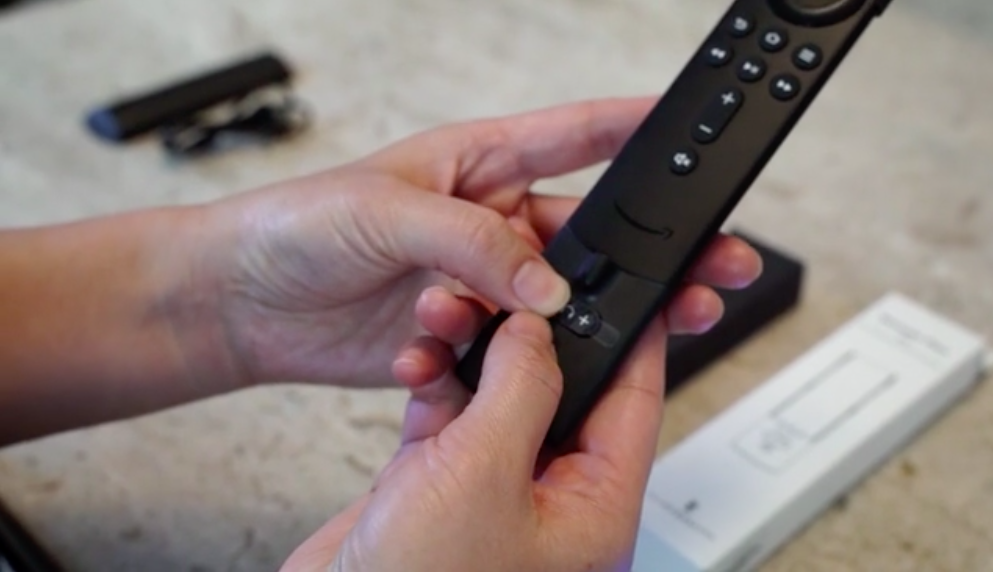
3). In order to pair device, press Volume down key, “-” and Light button at the same time.
Once you successfully pair the device, you will see the picture below,
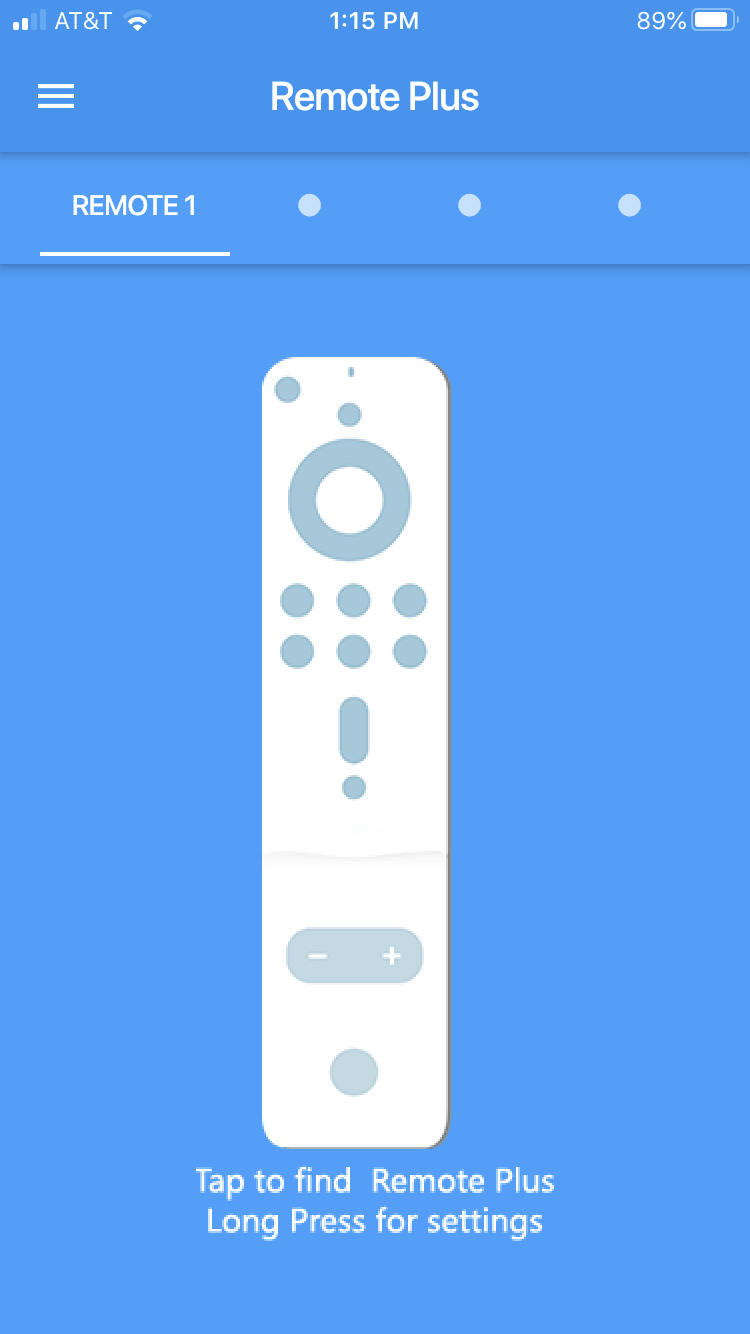
You can tap Remote in the app to beep and find the Remote.
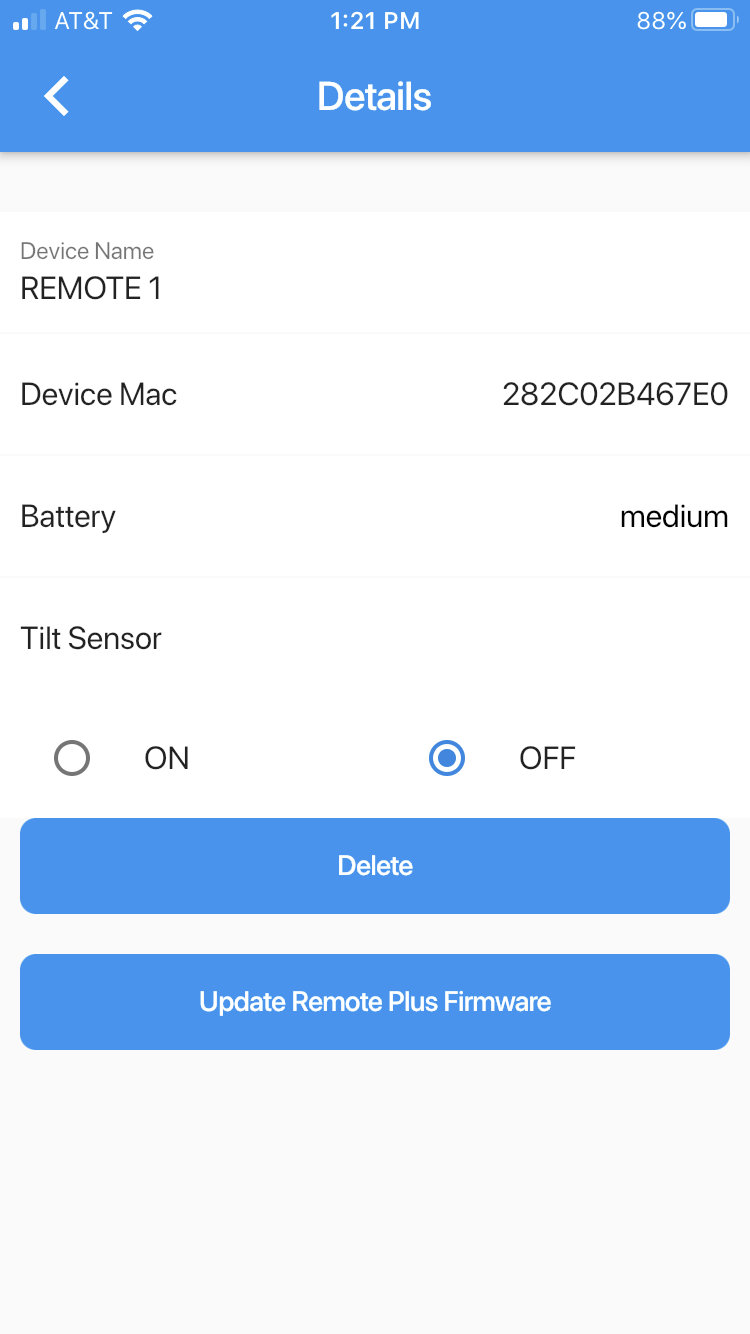
Also, you can long press Remote to change settings.
4). In settings, you can delete Remote or upgrade Remote firmware.
Can not trigger beeping in the App.
Please try the following:
- Plug in the charger cable and then try to tap the “Remote” icon to trigger the beeping.
- Turn wireless connectivity off and back on in your phone settings to see whether it fixes the issue.
- Reboot the phone. Then plug in/out the charger cable to the remote plus to allow Remote Plus to reboot itself.